WhatsApp sequences
From your WhatsApp Business number
- Step 1Price list offer
- 3 days
- Step 2Sample box offer
- reply
- ✓StoppedBuyer answered
- Up to 10 steps
- 1 hour to 90 days between steps
- Stops when a buyer replies
Export sales automation
The second and third follow up are the easiest to forget. Double Export sends them on schedule, keeps your buyer lists current and builds quotations from data you've already entered, so your time goes to the conversations.
| Task | Automated in Double Export | Still yours |
|---|---|---|
| Second and third follow up | WhatsApp and email sequences send each step after the wait you set. | Writing the messages once. |
| Stopping when a buyer answers | WhatsApp sequences stop for a buyer who replies on WhatsApp. | Email replies arrive in your inbox; stop the email sequence for that buyer from the results. |
| Keeping campaign audiences current | Audiences built from tags include buyers you tag later. | Tagging each new buyer. |
| Leaving out buyers who opted out | Buyers with WhatsApp or email permission off are skipped, and the review step says why. | Recording a buyer's choice when they tell you. |
| Sending at a sensible hour | Sending days, hours and a city's time zone; daily limits per mailbox and campaign. | Choosing the schedule. |
| Retyping buyer and product details | Quotations, invoices and packing lists are built from the buyer record and your catalogue. | Checking quantities, prices and terms before you send. |
Up to ten WhatsApp steps from one hour to 90 days apart, or as many email steps as you need in the same thread, sent from your own number and mailboxes.
From your WhatsApp Business number
From your own Gmail or Google Workspace
Choose a campaign's buyers by tag, such as Gulfood 2027 or Samples sent. Buyers you tag later are included automatically, and buyers who opted out are left out.
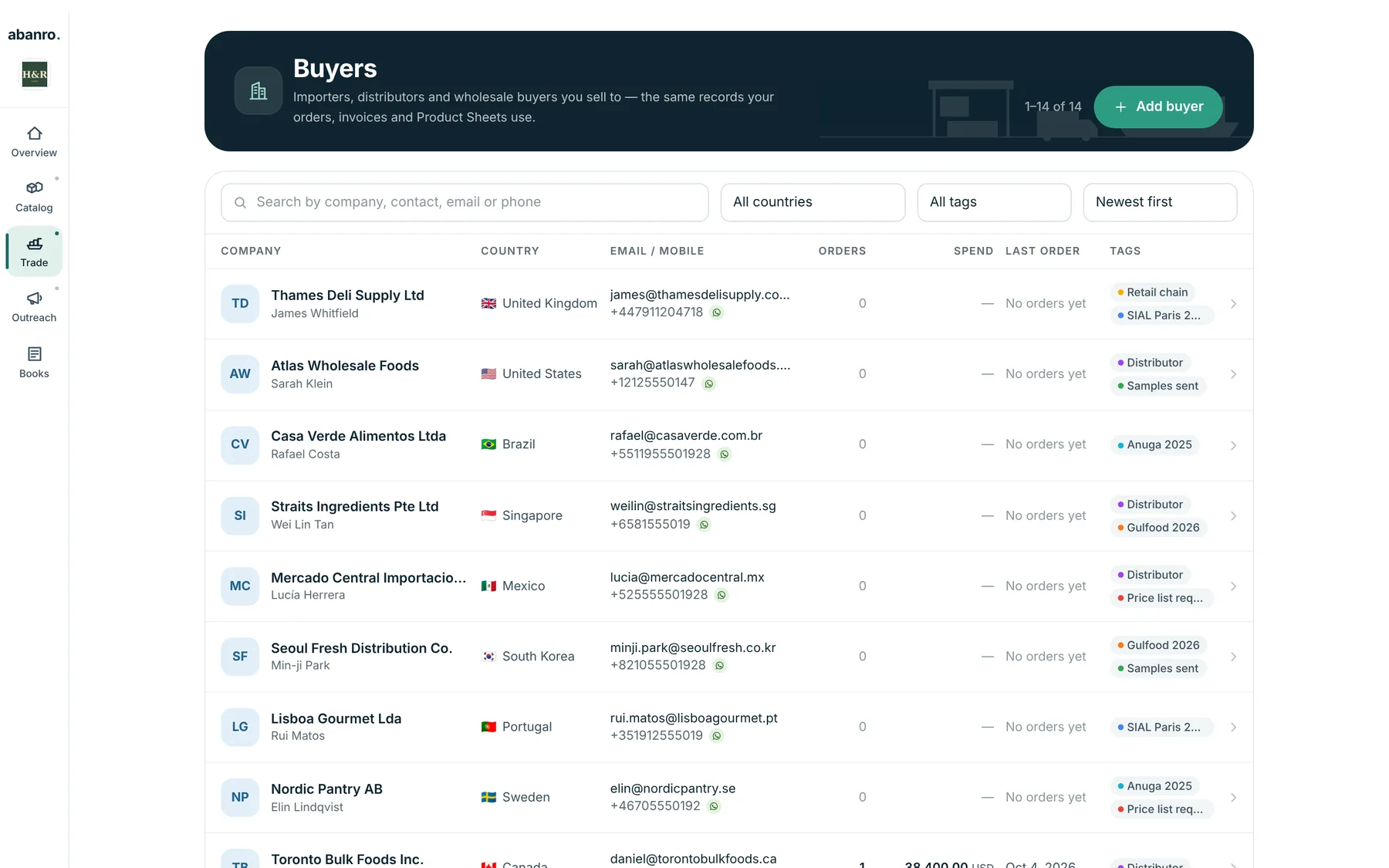
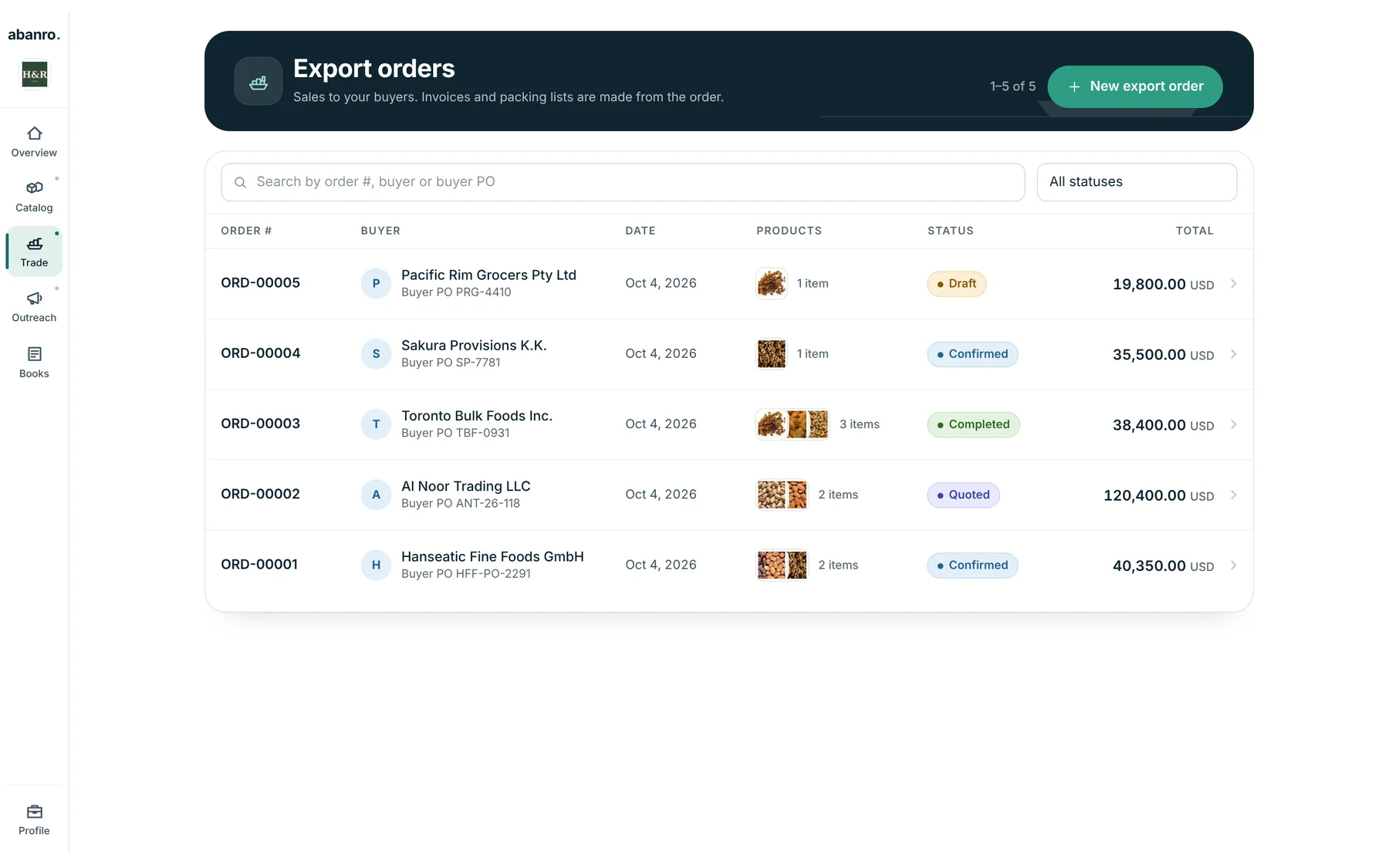
An export order takes the buyer's address and each product's HS code, origin, weights and packing from your records. Its PDF reads Quotation or Order confirmation by stage, and invoices and packing lists come from the same order.
Letting software do the repetitive steps between first contact and order: sending scheduled follow ups, keeping buyer lists current, skipping people who opted out and filling documents from data you already have. The selling, pricing and negotiating stay with you.
No. You write the first message and the follow ups once; Double Export sends them on schedule. It doesn't use AI to write or translate messages.
Not in a single campaign. Run a WhatsApp sequence for buyers who use WhatsApp and an email sequence for the rest, using the same tags.
No. Double Export doesn't score leads or show a pipeline board. Tags, campaign results and export order stages show where each buyer is.
Tag the buyers you met this month, write three messages and let Double Export send them in order.
No credit card required · 14-day free trial · Plans from $49/month